
Office · Chief of Staff
Start with what matters. Finish with the follow-up ready.
Ask what is on your plate. Talk it through, or record a conversation into shared notes. A draft can be prepared. You confirm before anything is sent.
AskTalkRecord
Prepared follow-upReview the draft before sending
Priorities from real workAsk what matters now across the sources your role and Mandate grant.
Conversations become contextRecord a conversation, save shared notes, and attach one next action where the product rules allow it.
People keep controlReview a prepared follow-up and confirm before anything is sent.
The fragmented-work problem
The customer story is already there. The next action is what gets lost.
Inbox threads, meeting notes, cases, relationship lists, and personal reminders leave people reconstructing the same context before they can act. Office gives each signed-in person one governed place to ask, prepare, and confirm.
Start with the work that needs attention.
Cases, tasks, drafts, and quiet relationships can become one honest priority answer instead of another dashboard hunt.
Keep meetings connected to the relationship.
Turn a recorded conversation into shared notes and a next action without spending another hour repairing the CRM.
Move faster without handing over responsibility.
Let the Chief of Staff prepare the follow-up while the person reviews and confirms the action.
From signal to accountable action
Ask, capture, prepare, confirm.
Office closes the loop without pretending that every source is present or every action is autonomous.
See what matters now
Desk checks the sources and tools granted by the signed-in person's role and Mandate.
Talk or record the work
Use team-side Talk, or record a conversation after participants know, then save the useful notes.
Draft the follow-up
Bring relationship context and shared knowledge into a draft that is ready to review.
Keep the person accountable
Nothing leaves merely because AI prepared it. The existing confirmation step remains visible.
Product proof
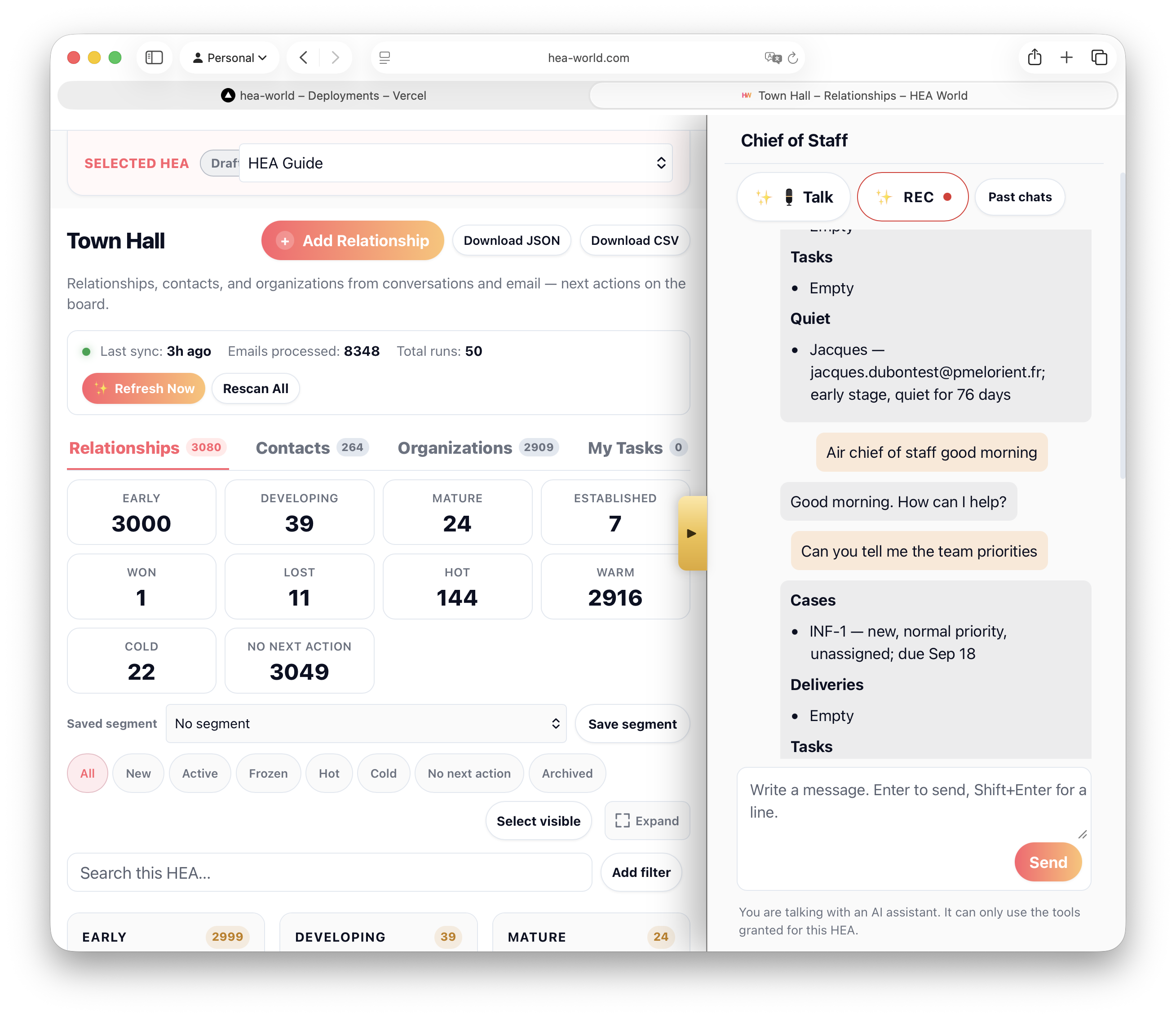
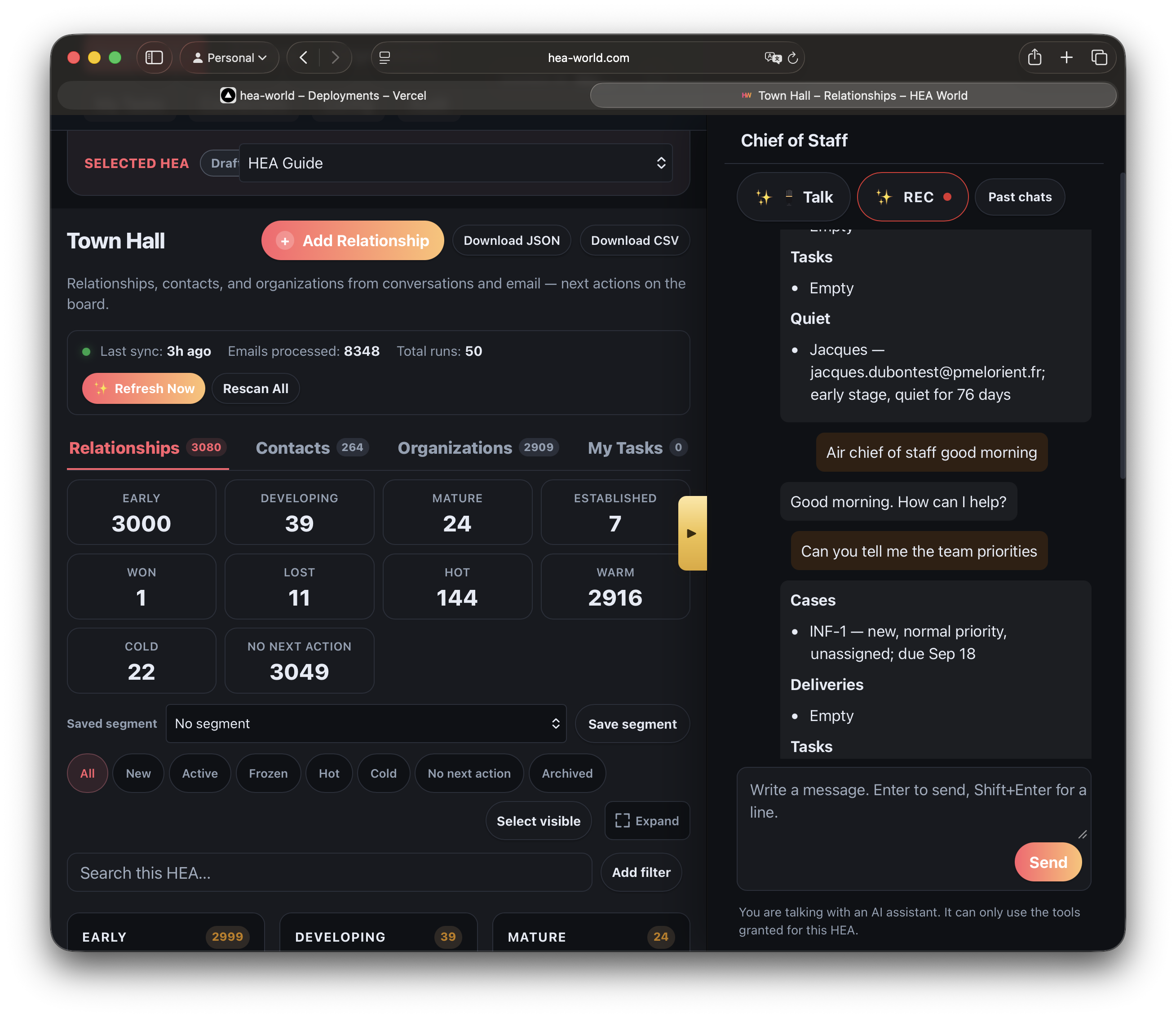
Town Hall context and the Chief of Staff, side by side.
The relationship book stays visible while the Chief of Staff answers from the work this person is allowed to use.
One Desk, two working modes
Useful for one owner. Stronger when the team shares context.
Stop carrying the entire customer story in your head.
One owner can use Office to surface the next work, preserve meeting context, and prepare a careful follow-up.
- See cases, quiet relationships, tasks, and drafts in one priority answer.
- Capture notes while the conversation is still fresh.
- Review the action before it leaves your Desk.
Let sales, service, and marketing work from the same memory.
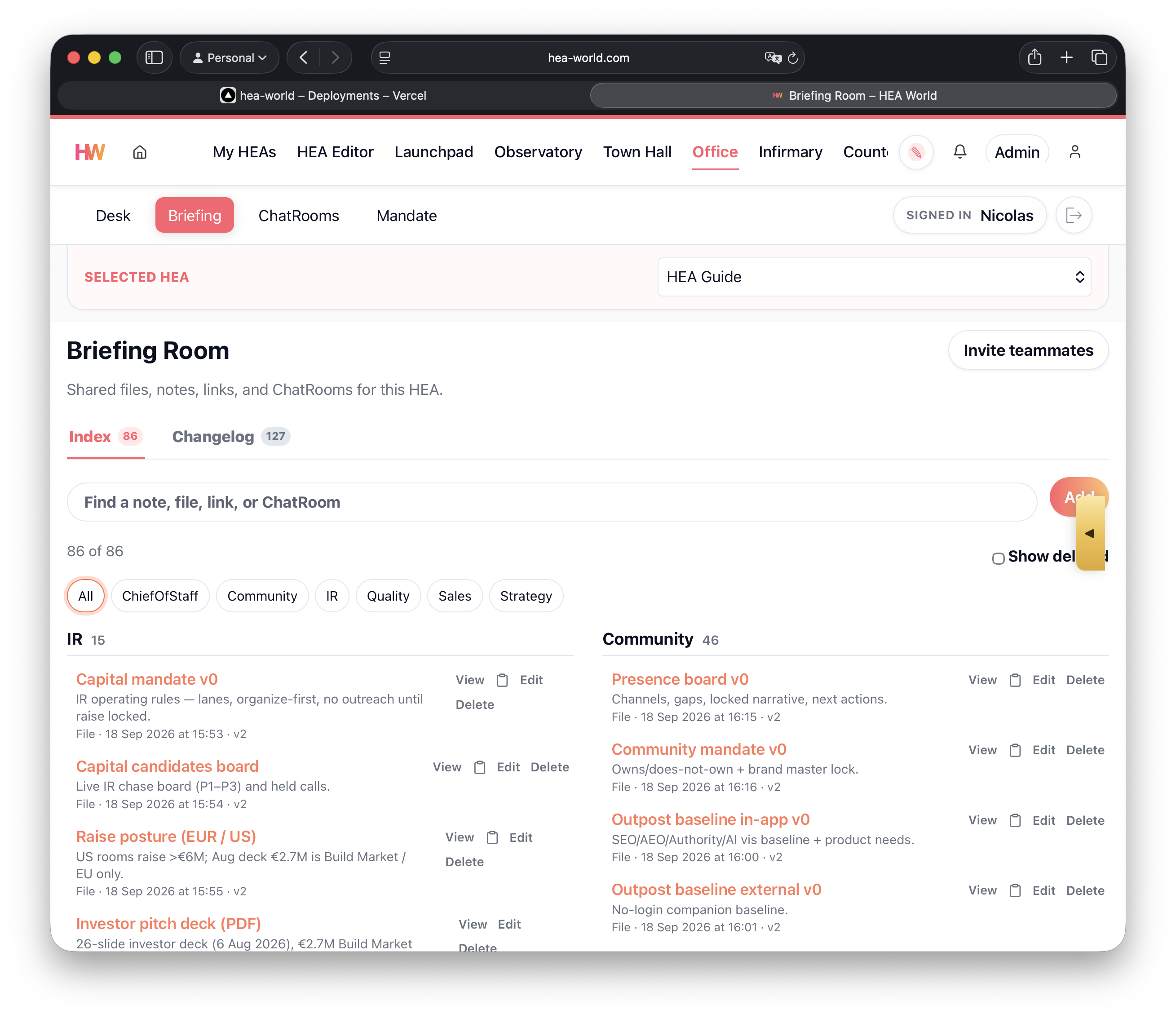
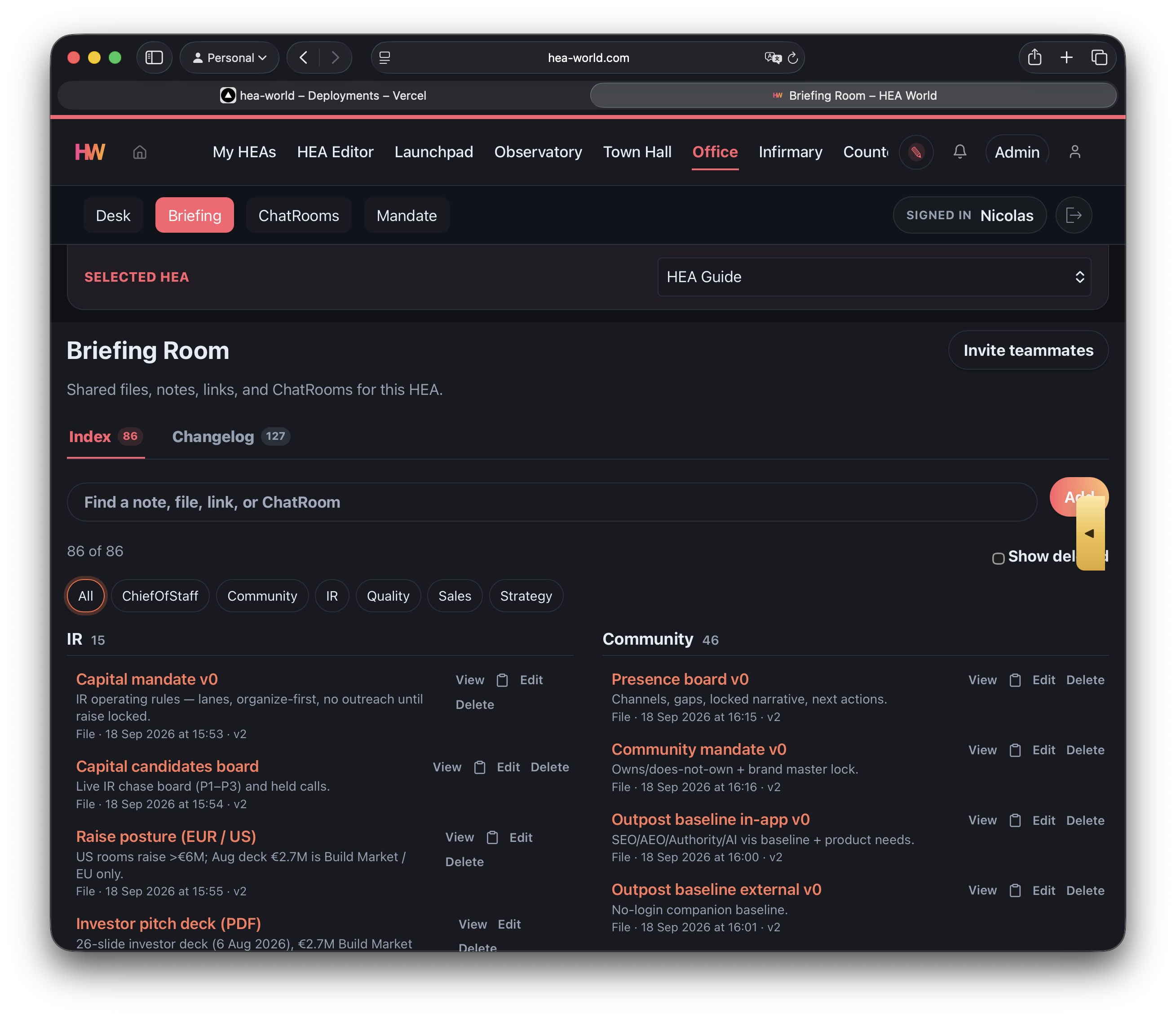
Briefing, ChatRooms, Town Hall, and each person's governed Desk reduce private lists and contradictory follow-up.
- Share notes, files, links, and decision threads.
- Keep relationship context connected to the next action.
- Respect roles and Mandates rather than exposing every object to everyone.
Why a Chief of Staff
More than chat. More than meeting transcription.
The difference is not another AI window. It is the connection between approved knowledge, shared relationship context, the work that needs attention, and a human-controlled action.
Answers from the prompt in front of it.
Useful for drafting, but the relationship history, permissions, and operational state often have to be pasted in again.
Main gap: the business context is temporary.
Captures what was said.
Useful after a meeting, but notes can remain separate from the relationship, the priority, and the follow-up.
Main gap: the work after the meeting is still yours to reconstruct.
Connects context to the next accountable action.
Granted sources, shared notes, relationship context, prepared drafts, and human confirmation work in one loop.
Best fit: customer-facing owners and teams that cannot afford lost follow-up.
One connected HEA
The customer-facing agent and the team-facing Chief of Staff share the same governed system.
Customer conversations and eligible email contribute context. Town Hall organizes the relationship. Office helps the person decide and prepare. The person confirms the important action.
Customer HEAAnswers from approved knowledge and captures the conversation.
Town HallKeeps the relationship, organization, stage, and next action together.
OfficeUses granted sources to surface priorities, notes, and a prepared follow-up.
Human confirmationThe accountable person reviews and confirms before sending.
Governed by design
Helpful inside the Mandate. Honest outside it.
Office is not a general autonomous agent. It works from the sources and tools granted to the signed-in person, reports missing sources honestly, and keeps important sending behind confirmation.
- A missing or empty source is skipped, not invented.
- Talk and Record conversation are team tools, not visitor phone voice.
- Draft preparation does not remove the existing review and confirm step.
Pricing
Office is part of the HEA workspace.
Use the Chief of Staff with the sources, roles, and tools enabled for the HEA account. It is not sold per task, draft, meeting, or teammate action.
These are HEA account plans. Office is included in the account plan where the capability is available, not billed as a separate Chief of Staff subscription.
Free plan
€0for up to 3 months
Start with up to 3 HEAs and validate the workflow.
Creator
€19per month
Billed monthly with support for up to 10 HEAs.
Enterprise
€29per month
Billed €87 quarterly upfront with support for up to 10 HEAs.
Pro Digital Agencies
€149per month
Billed €447 quarterly upfront with support for up to 25 HEAs.
Availability and useful answers depend on HEA access, configured sources, roles, and Mandate. Prices exclude VAT where applicable.
See full HEA pricingDirect answers
Chief of Staff questions
What can the Chief of Staff see?
Only the sources your role and Mandate grant: Town Hall, support cases, deliveries, tasks, Briefing, and ChatRooms when those are turned on. A missing source is skipped, not invented.
Does Talk mean the website agent speaks on the phone?
No. Talk and Record conversation are tools for the team inside Office. Visitor phone voice is a separate, later channel.
Does a meeting record itself?
No. You start Record conversation after people know. Save writes the notes and can set one next step on a relationship that does not already have one.
Can it send email on its own?
No. It can prepare a draft. Nothing leaves until a person confirms send.
Do I need a team to use Office?
No. One owner can use Desk, Talk, Record conversation, Briefing, and the granted business tools. Shared context becomes more valuable as more people work in the same HEA.
Is Office priced per task or teammate?
No. Office follows the HEA account plan and availability rules. It is not billed per task, draft, meeting, or teammate action.
Open the day on what matters. Finish with the follow-up ready.
Give one owner or the whole team a governed Chief of Staff connected to the customer work already inside the HEA.