Turn the offer into real dates.
Publish the sessions, workshops, activities, or appointments people can actually choose.

Counter · Event booking
Publish a date, share the public page, and see who booked. Visitors take a seat or join the waitlist. The seat is free or paid at the venue.
Studio Noord · Brussels
The booking-by-message problem
A calendar link can reserve time, but services and events need more: an offering, a public date, capacity, a waitlist, and a roster the team can actually operate.
Publish the sessions, workshops, activities, or appointments people can actually choose.
Visitors take an available seat or join the waitlist instead of starting another scheduling thread.
Agenda and Board show the dates, capacity, roster, and people who need attention.
From offer to attendance
Counter keeps the visitor's booking path and the team's date operations connected without pretending to be a payment processor or CRM writer.
Choose what is public, when it happens, capacity, delivery mode, and the details a visitor needs.
Visitors open a listed date, provide the required booking details, and take an available seat.
Planned or full dates can collect demand without promising a seat that does not exist.
The team sees who is coming, the answers collected for the booking, and the date details in Agenda or Board.
Product proof
Visitors see only the information needed to choose and book. Authorized operators keep the capacity, attendee details, waitlist, and delivery view.
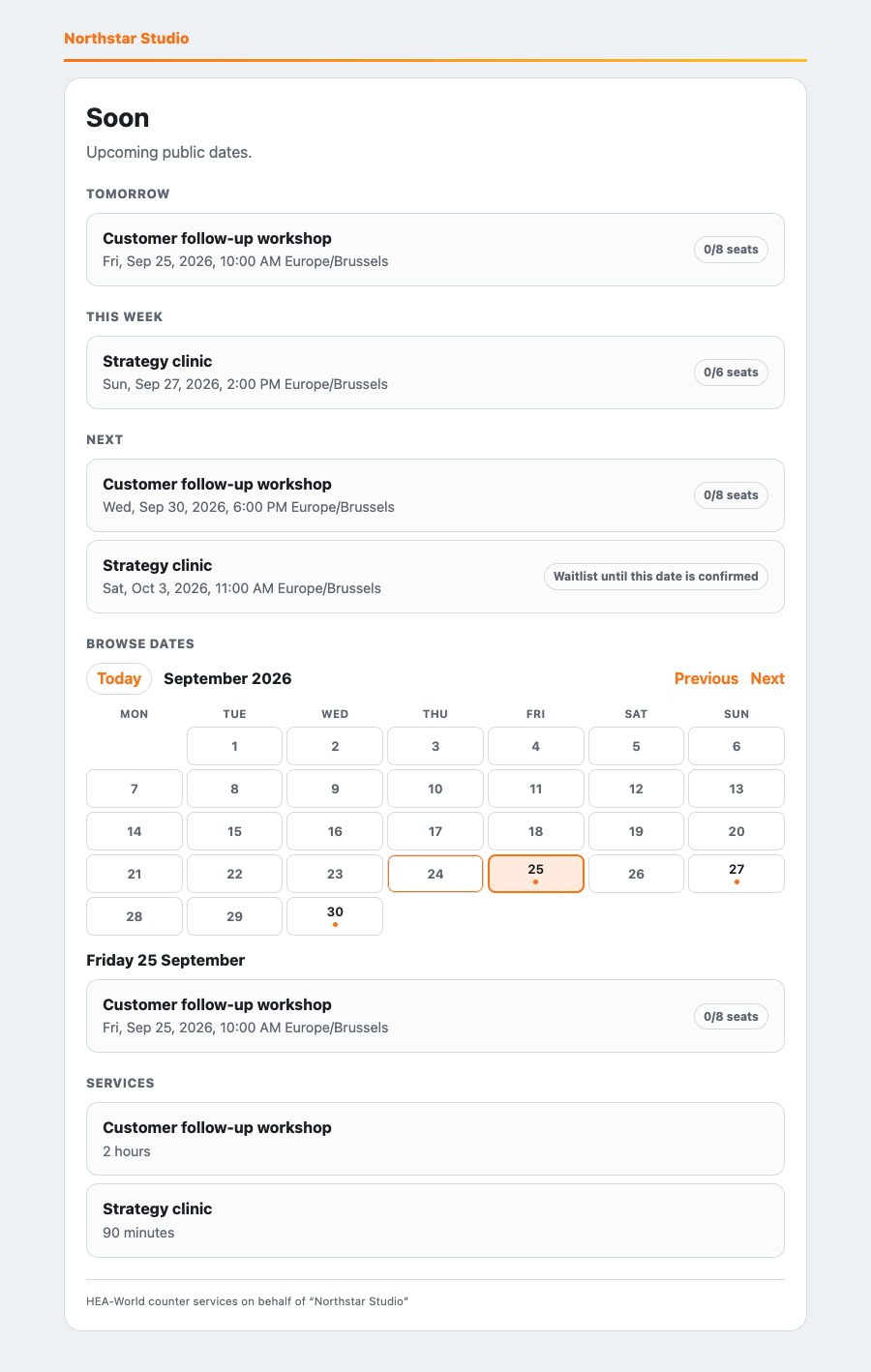
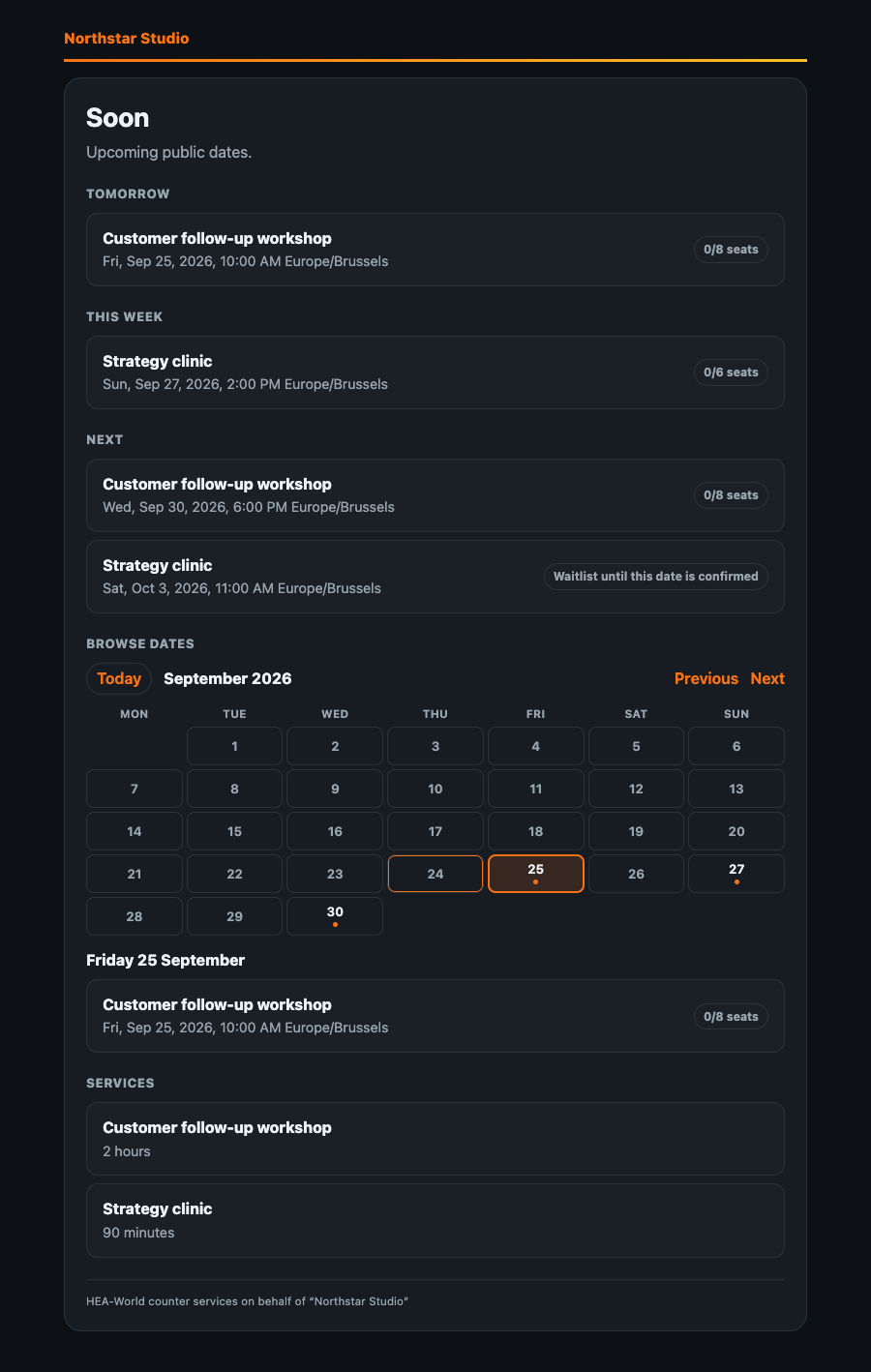
One Counter, two operating models
Give visitors a clear booking path and give the people delivering the work an agenda and roster.
Keep each client's offer, public page, booking data, and operator access inside its own HEA workspace.
Choose the booking model
Counter is for the moment when capacity, a waitlist, attendee details, and the team's delivery view matter as much as the time slot.
Useful for calls, but group capacity, public service dates, waitlists, and delivery rosters usually live elsewhere.
Useful for ticket commerce, but it may sit outside the HEA workspace and the people delivering the service.
Offerings, listed dates, available seats, waitlists, rosters, and authorized operators stay in the same HEA workspace.
The booking operating system
The customer-facing page and the operator-facing roster come from the same HEA. Booking remains separate from Town Hall relationship writes unless the product explicitly asks for and performs that action.
Clear commercial boundaries
Counter makes the booking and roster visible while keeping payment and relationship data honest.
Pricing
Publish and operate booking where Counter is available for the HEA account. It is not sold per booking, roster, attendee, waitlist entry, or service date.
These are HEA account plans. Counter is included in the account plan where the capability is available, not billed as a separate booking subscription.
€0for up to 3 months
Start with up to 3 HEAs and validate the booking workflow.
€19per month
Billed monthly with support for up to 10 HEAs.
€29per month
Billed €87 quarterly upfront with support for up to 10 HEAs.
€149per month
Billed €447 quarterly upfront with support for up to 25 HEAs.
Availability depends on the HEA workspace, public Counter setup, listed dates, capacity, and operator access. Prices exclude VAT where applicable.
See full HEA pricingDirect answers
A listed date for a service or event. They can take a free or pay-at-venue seat, or join the waitlist when the date is full.
No. Counter does not take card payments. A seat is free or paid at the venue.
No. A booking shows who is coming on the roster. It does not silently create or change a Town Hall relationship.
No. This page is Counter, the booking tool for your own services and events. HEA-World's own public dates stay on the events calendar.
Authorized operators can open the date in Board or Agenda to see capacity, the roster, waitlist, and collected booking answers needed to deliver the service.
No. Counter follows the HEA account plan and availability rules. It is not billed per booking, attendee, roster, waitlist entry, or service date.
Give visitors a clear booking path and give the people delivering the service the operational view they need.